

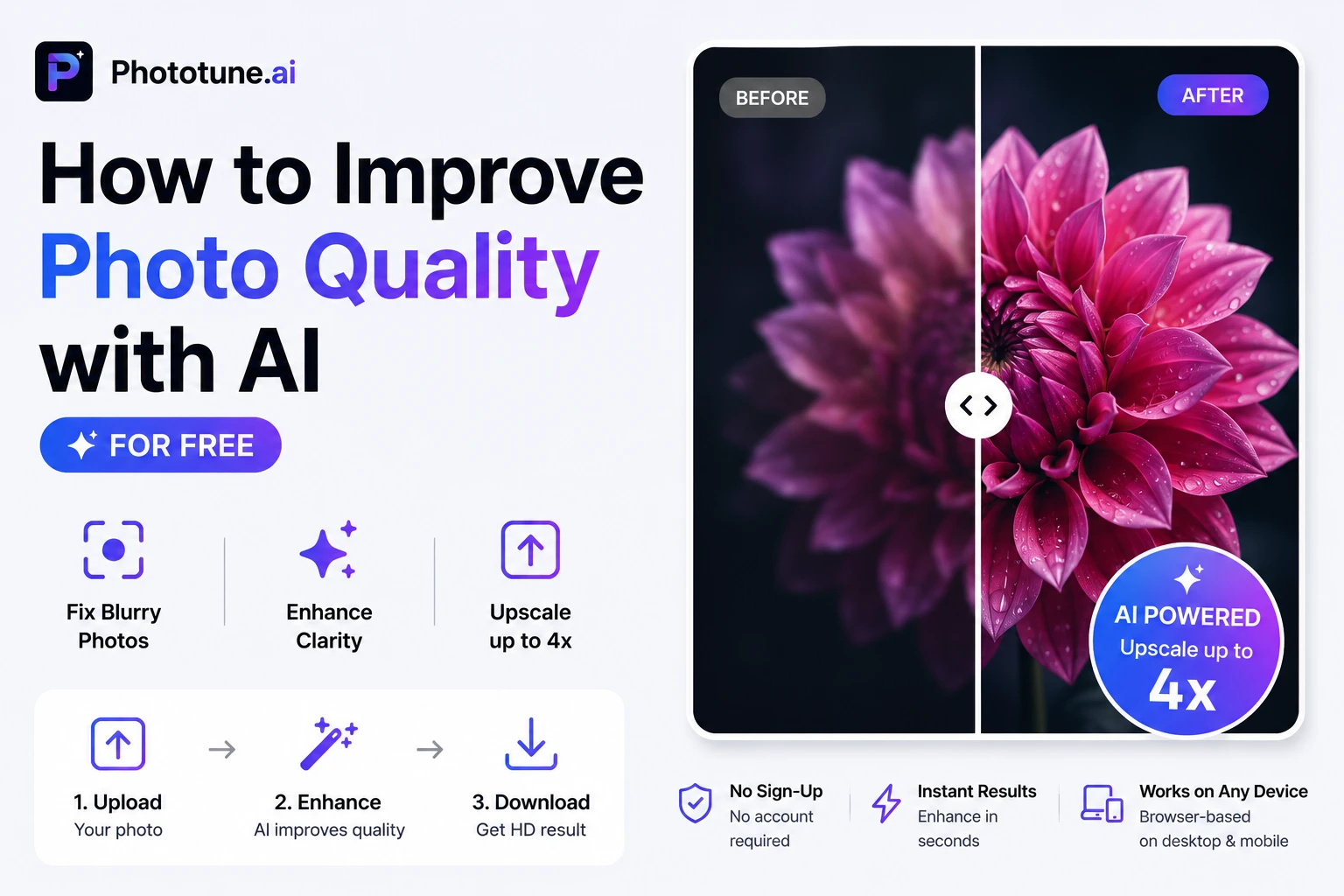

Whether you’re dealing with a blurry photo, a low-resolution image, or an old scanned print that’s lost its sharpness — AI can fix it in seconds. A good AI image enhancer online free doesn’t just apply a sharpening filter. It actually reconstructs missing detail, reduces noise, and upscales your photo up to 4x — all without any design skills, software downloads, or sign-up required.
What Does AI Photo Enhancement Actually Do?
There’s an important difference between traditional photo editing and AI-powered enhancement. Traditional tools — sharpening sliders, contrast adjustments, basic upscaling — work by manipulating existing pixels. The results are limited by what’s already in the image.
AI enhancement works differently. The model has been trained on millions of images and understands what real-world detail looks like: the texture of skin, the fine strands of hair, the edges of objects, the grain in fabric. When you upload a blurry or low-res photo, the AI doesn’t just stretch or sharpen pixels — it intelligently fills in the detail that should be there, producing a result that looks natural rather than artificially processed.
What Phototune.ai’s AI Enhancer Can Do
| Feature | What It Fixes | Best For |
| Fix blurry photos | Motion blur, out-of-focus shots, soft images | Portraits, action shots, old photos |
| Reduce image noise | Grain, speckles, and digital noise from low-light shots | Night photography, indoor shots |
| Improve image clarity | Dull, flat images lacking sharpness and definition | Any photo that looks soft |
| Clear up pixelated images | Blocky, pixelated images from compression or low resolution | Screenshots, old digital photos |
| Restore old photos | Faded, damaged, or low-detail scanned prints | Family photos, archive images |
| Upscale up to 4x | Small images that need to be larger without losing quality | Print, presentations, large displays |
Step-by-Step: How to Improve Photo Quality with AI
Step 1: Go to Phototune.ai and open the AI image enhancer. No account needed, no software to install — the tool runs directly in your browser on any device.
Step 2: Upload your photo. Drag and drop the file or click to browse. JPG, PNG, WEBP, and AVIF formats are supported up to 10MB.
Step 3: Choose your upscale level — 2x or 4x. The AI automatically analyzes the image and applies enhancement: sharpening, noise reduction, and detail reconstruction happen simultaneously.
Step 4: Compare the result using the before/after preview. The difference is usually immediately visible — especially on fine details like hair, edges, and textures.
Step 5: Download the enhanced photo. It’s ready to use immediately for printing, publishing, or further editing.
When to Use 2x vs 4x Upscaling
| Upscale Level | When to Use It | Output Size Example |
| 2x | Image is decent quality but needs a moderate size increase | 800×600 → 1600×1200 |
| 4x | Image is small or low-res and needs significant enlargement | 400×300 → 1600×1200 |
For print use, 4x is usually the better choice — it gives you more pixels to work with at high DPI. For web publishing or social media where file size matters, 2x often produces a cleaner, smaller file.
Which Photos See the Biggest Improvement?
- Portraits — AI restores skin texture, hair detail, and eye sharpness naturally
- Product photos — edges become crisp and material textures more defined
- Old scanned prints — faded, low-detail photos come back to life with restored clarity
- Night or low-light shots — grain and digital noise are reduced while preserving shadow detail
- Screenshots and UI captures — text and interface elements become sharper and more readable
- Compressed images — photos that have lost quality from repeated saving or social media compression
Privacy and File Handling
One thing worth knowing: Phototune.ai processes images locally in your browser. Your photos are not uploaded to an external server, and they’re automatically cleared from memory after the enhancement is complete. No sign-up means no account data is collected either.
Ready to try it? Phototune.ai makes it easy to improve photo quality with AI for free — upload your photo, choose 2x or 4x upscaling, and download a sharper, cleaner, higher-resolution result in seconds. No skills needed, no software required.
