

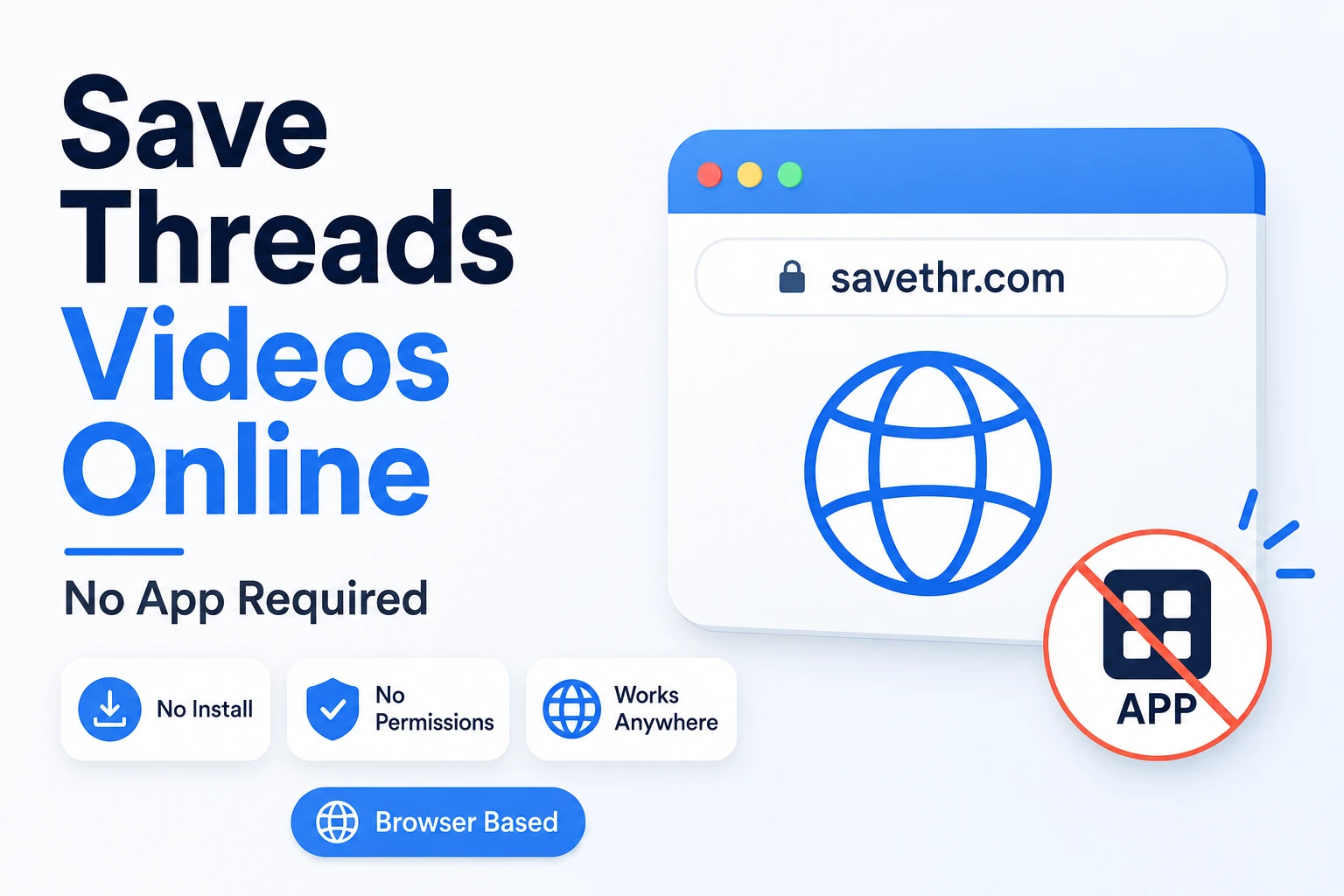

Every guide about saving Threads videos eventually suggests an app. Download this, install that, give it access to your photos, your storage, your contacts for some reason. It’s a lot to ask for something that should take ten seconds.
The browser-based approach skips all of that. No installation, no permissions, no app sitting in your drawer using storage and running background processes. Just a browser tab — which you already have — and the link to the post you want to save.
Here’s why “no app” isn’t just a convenience feature, and how the whole thing actually works.
Why Browser-Based Beats App-Based for Most People
Storage. The average person already has more apps than they need. A downloader app you’ll use occasionally doesn’t justify the space it takes up — or the background sync, push notifications, and update requests that come with it.
Permissions. Most downloader apps request access to your photos, storage, and sometimes more. Some of those permissions make sense. Others don’t — there’s no reason a video downloader needs to know your location or access your contacts. Browser-based tools don’t ask for any of this. They run in a sandboxed tab with no access to anything on your device.
Cross-device consistency. A browser-based tool works identically on your Android phone, your iPhone, your work laptop, and your tablet. You don’t need to find the app for each platform, check if it’s compatible with your OS version, or install it on every device. Open the URL, paste the link, done.
Nothing left behind. After you close the tab, there’s nothing running on your device. No process in the background, no data cached somewhere, no app to uninstall later if you change your mind.
What “Online” Actually Means Here
When you use a browser-based downloader, the processing happens on the tool’s servers — not on your device. You send a link, the server fetches the video file from Threads, and your browser downloads the result. Your device is just receiving a file, the same way it would if you downloaded any other attachment.
This is different from an app that runs processing locally on your phone. The server-side approach means the tool works regardless of how old or underpowered your device is. If your browser can load a webpage, it can use a browser-based downloader.
How to Save Threads Videos Online — 3 Steps
Step 1 — Copy the link from Threads
Open Threads, find the video you want to save, tap the three-dot icon on the post, and select Copy link.
Step 2 — Open savethr.com and paste the link
Open your browser — no need to leave it or open anything else — and go to savethr.com. This is the easiest way to save Threads video online: paste the link into the input field and tap Download.
Step 3 — Choose quality and save
Select your preferred resolution and the file downloads directly to your device. A free Threads video downloader that runs in the browser gives you the same file quality as an app would — the source is the same regardless of how you access it.
Where the File Goes on Each Device
On Android, downloaded files go to your Downloads folder. Your gallery app scans this automatically and the video shows up within seconds. If it doesn’t appear right away, open your file manager, go to Downloads, and tap the file once to prompt the gallery.
On iPhone, after tapping download in Safari, iOS shows a save prompt. Tap Save Video to send it directly to Photos. If you tap Save to Files instead, it goes to the Files app rather than your gallery — which is fine if that’s where you want it, just worth knowing.
On desktop, the file downloads to your usual downloads folder — wherever your browser saves files by default.
Does It Work for All Threads Content?
Yes — videos, Reels, photos, GIFs, and audio tracks all work through the same browser-based process. The tool detects the content type from the link and offers the appropriate format options. One URL, one paste, one download.
The One Actual Limitation
Browser-based tools for Threads only work with public posts. If an account is set to private, its content requires authentication to access — and a browser-based tool doesn’t have your login credentials, nor should it. Private content stays private.
The Short Version
To save Threads video online without installing anything: copy the post link, open savethr.com in your browser, paste, download. No storage used by an app, no permissions granted, no background processes left running. A free Threads video downloader in the browser does exactly what an app would do — minus all the overhead that comes with it.
